Dashboard card
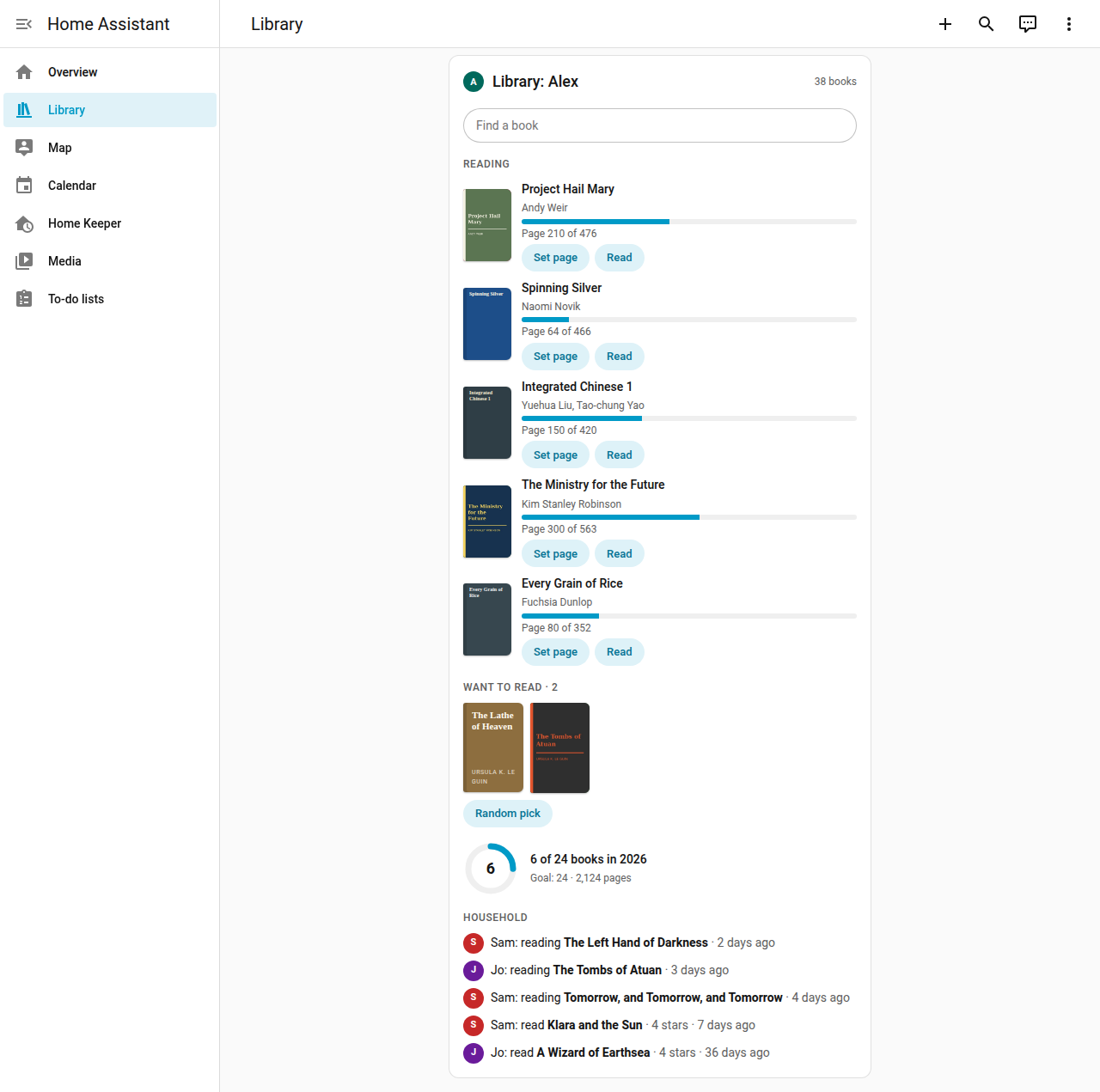
Home Keeper Library supports a dashboard card, Home Keeper Library
(custom:home-keeper-library-card), that shows the reading of 1 person. Every user can
add it to a dashboard, such as the dashboard of a phone or a wall tablet. The card
resource is registered automatically.
Add the card
- Open a dashboard and select Edit dashboard.
- Select Add card, and select Home Keeper Library.
- Select the sections, and select Save.
Sections
| Section | What it shows |
|---|---|
| Search | A search of the library. Each result shows its shelf. |
| Reading | The books that the person reads now, with the page. Select Set page to change the page, or Read when the book is done. |
| Want to read | The covers of the books to read next. Select Random pick to get 1 at random. |
| Yearly goal | The books read this year, against the goal of the person. |
| Household activity | The reading of the other people who share their reading. |
Turn each section on or off in the card editor.
Person
The card shows the person of the user who looks at it. In the card editor, an admin can select another person. A user with no linked person sees No person is linked to this user.
The card shows only what the user can read (People and privacy). The card has no management controls: use the Library tab for those.
YAML
type: custom:home-keeper-library-card
person: alice   # optional, the id of a Home Assistant person
title: Our books  # optional
search: true
reading: true
want: true
goal: true
household: true
Phone
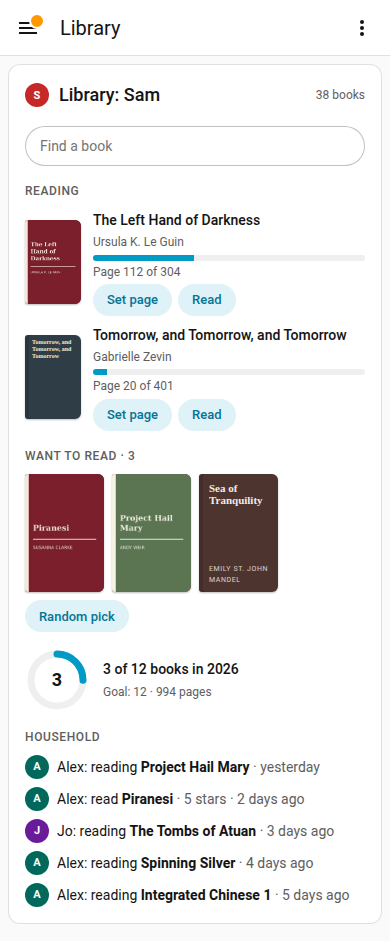
The card works at phone width.