Rooms and shelves
The library supports a location for each copy. The location is a shelf of a bookcase in a room. A search then shows the shelf of each book.
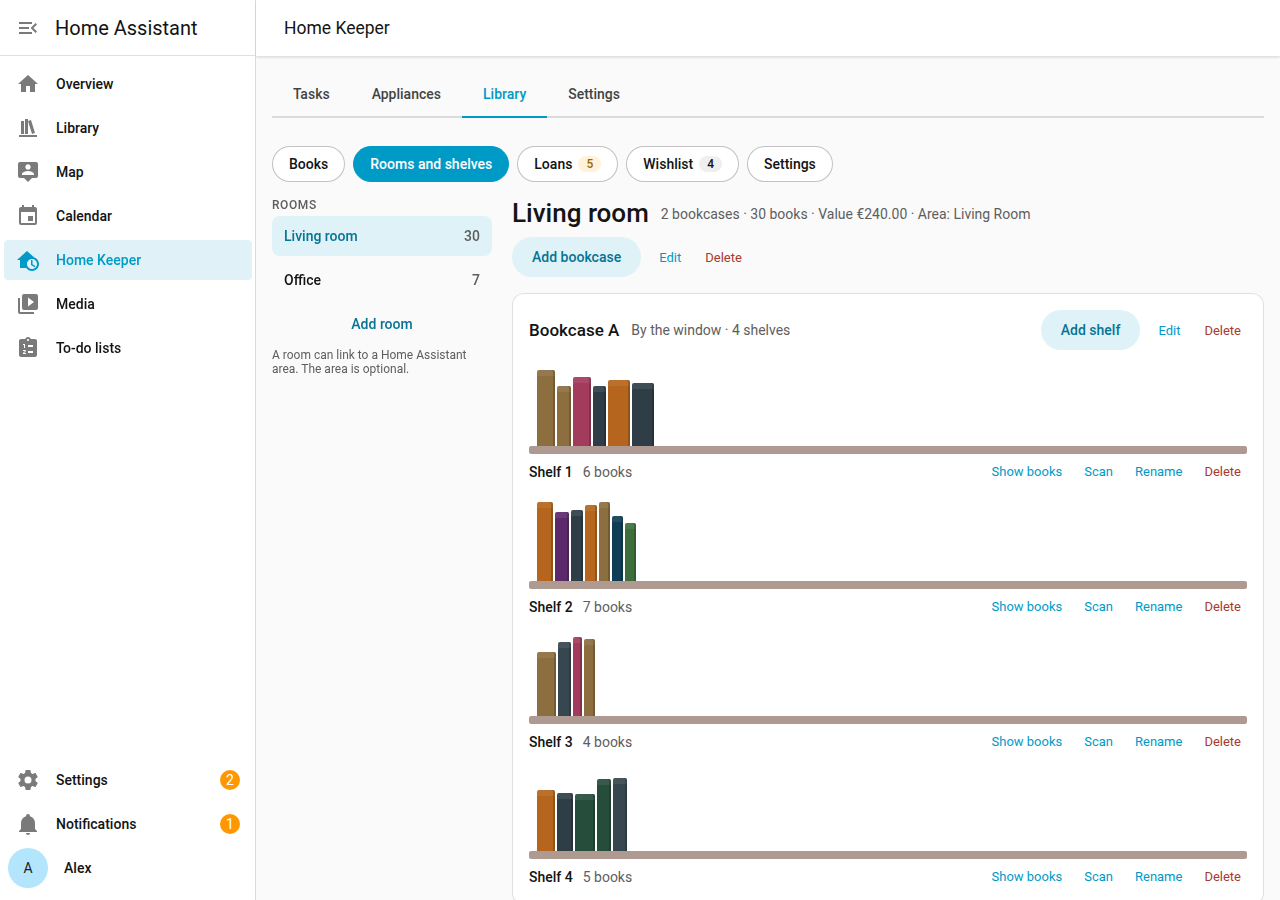
Add a room, a bookcase and shelves
- Open the Library tab of the Home Keeper panel, and select Rooms and shelves.
- Select Add room. Enter a name. As an option, link the room to a Home Assistant area.
- Select the room, then Add bookcase. Enter a name and the number of shelves.
- To add 1 more shelf later, select Add shelf on the bookcase.
Select Show books on a shelf to open the book list for that shelf. Select Scan on a shelf to scan books into it.
Change or delete a location
- Select Edit on a room or a bookcase, or Rename on a shelf.
- Select Delete to delete it. If the shelf has copies, or the room or bookcase has shelves, the tab asks first. The copies on it then have no shelf.
Copies with no shelf
A copy can have no shelf, such as a copy that a scan added with no shelf selected. The page shows the number of copies with no shelf. Select Set shelf to give a copy a shelf.
Phone
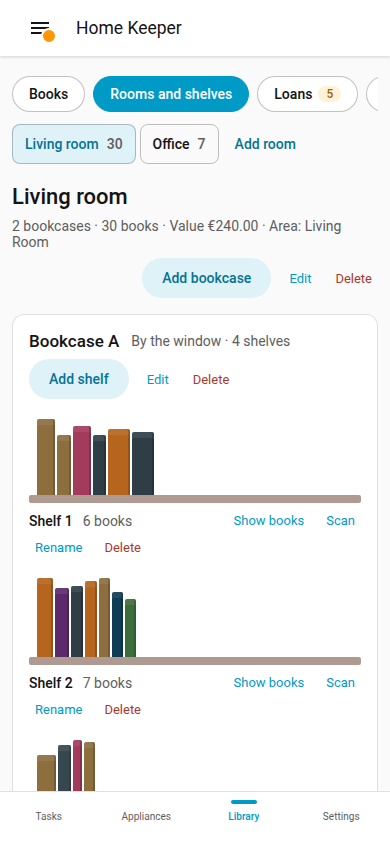
The page works at phone width. Select a room to open its bookcases.