Loans
The library supports 2 kinds of loans. A copy that you lend to a friend is Lent out. A book that a person borrows from a public library or a friend is Borrowed. Each loan can have a task in Home Keeper on its due date.
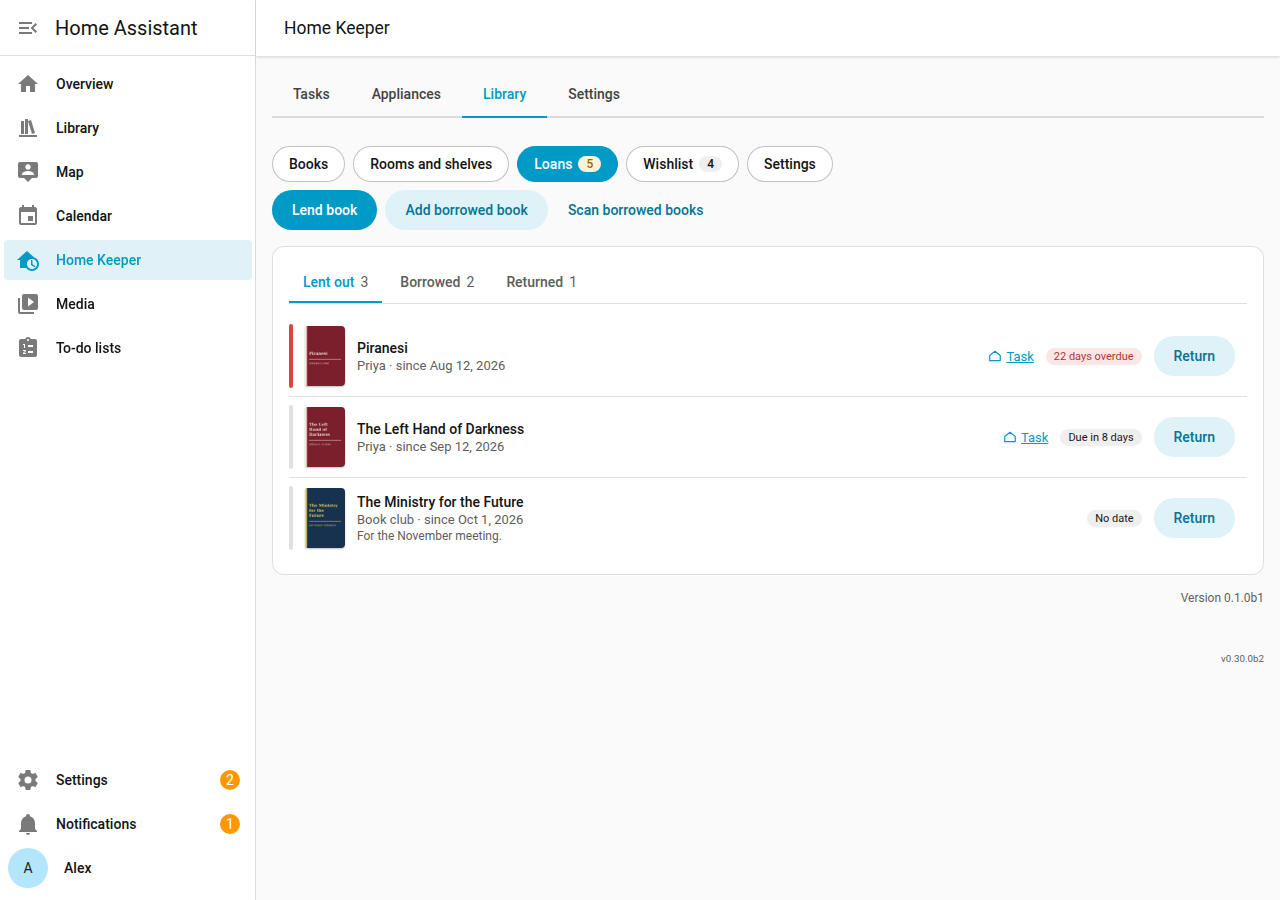
Lend a book
- Open the book, or the Loans page, and select Lend or Lend book.
- Select the copy, and enter the name of the borrower.
- Enter the start date and the Return by date.
- Keep Add Home Keeper task on to get a task on the return date.
- Select Save.
The copy keeps its shelf. A copy can have 1 open loan at a time.
Add a borrowed book
- On the Loans page, select Add borrowed book.
- Enter the ISBN or the title, the lender, the person who borrowed it, and the due date.
- Select Save.
The library adds the book if it is not in the library, with no copy. The status of the person changes to Reading. After the return, the book stays in the reading history of the person. To add many borrowed books, select Scan borrowed books (Scan books).
Return a loan
Select Return on the loan. The loan moves to Returned with the date of today.
Home Keeper tasks
A loan with a due date and Add Home Keeper task gets a one-off task in Home Keeper:
- "Get title back from borrower" for a book that you lent out.
- "Return title to lender" for a book that you borrowed.
The task is due on the due date. It shows in the to-do list, the calendar and the notifications of Home Keeper.
| Change | Result |
|---|---|
| Complete the task in Home Keeper | The library returns the loan. |
| Return the loan in the library | The library completes the task. |
| Delete the loan | The library deletes the task. |
| Delete the task in Home Keeper | The loan stays open and gets no new task. |
| Change the due date of the loan | The task moves to the new date. |
Home Keeper locks the name of the task. Select Task on a loan to open its task in Home Keeper.
Overdue loans
A loan that passes its due date is overdue. The Loans overdue sensor counts them, and
the library fires the home_keeper_library_loan_overdue event once for each due date.
Use the event in an automation that sends a reminder.
Phone
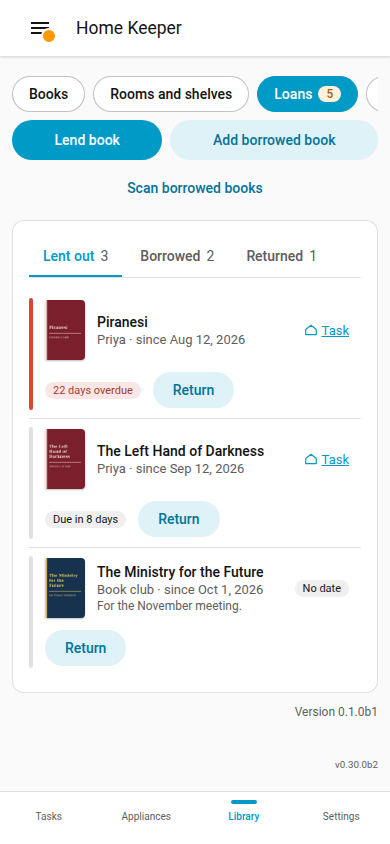
The Loans page works at phone width.