Household users
Home Assistant has 2 kinds of user: admins and users who are not admins. Home Keeper uses the same split. Any user can open the Home Keeper panel. Only an admin can change the appliances and the settings.
Give a household member a user account that is not an admin. They can then use the panel to do their tasks and to read the appliance manuals, but they cannot change Home Assistant.
What a user who is not an admin can do
On the Tasks tab, the user can do all the task actions that an admin can do:
- Add, edit and delete tasks.
- Complete, snooze and skip tasks, and edit the completion history.
- Add and remove task photos.
On the Appliances tab, the user can read all appliance data:
- The list of appliances, active and archived.
- Each appliance with its parts, stock, documents, manuals, links, details and history.
- Open a manual or a document.
- Print QR code labels.
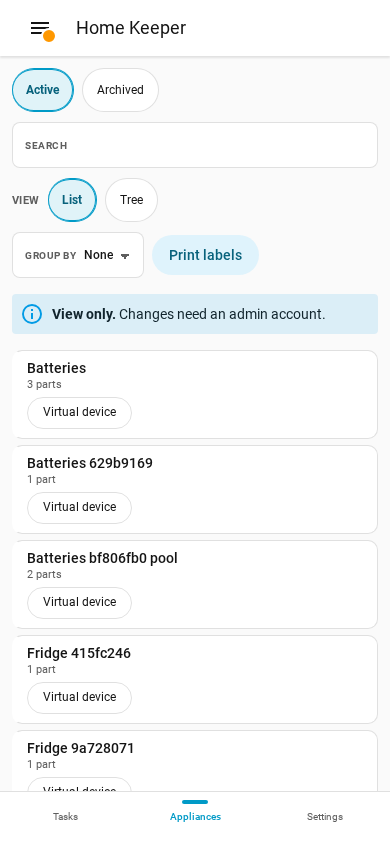
A note at the top of the list tells the user that the tab is view only.
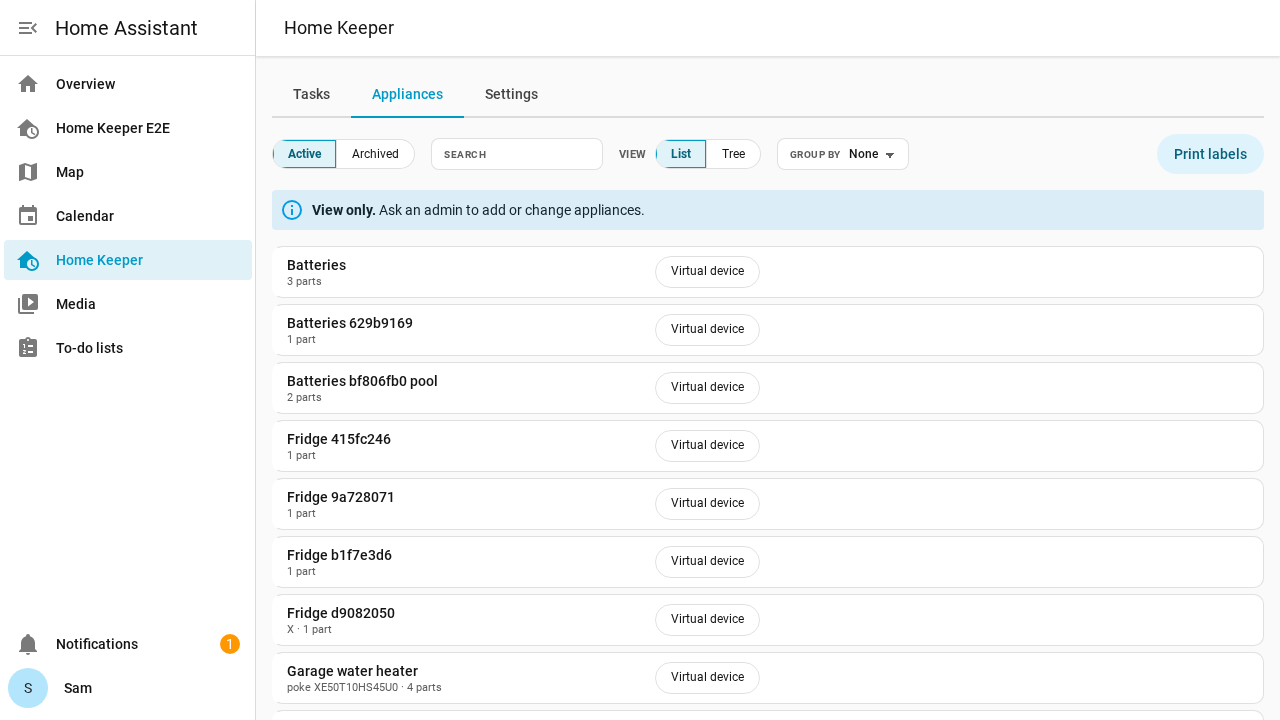
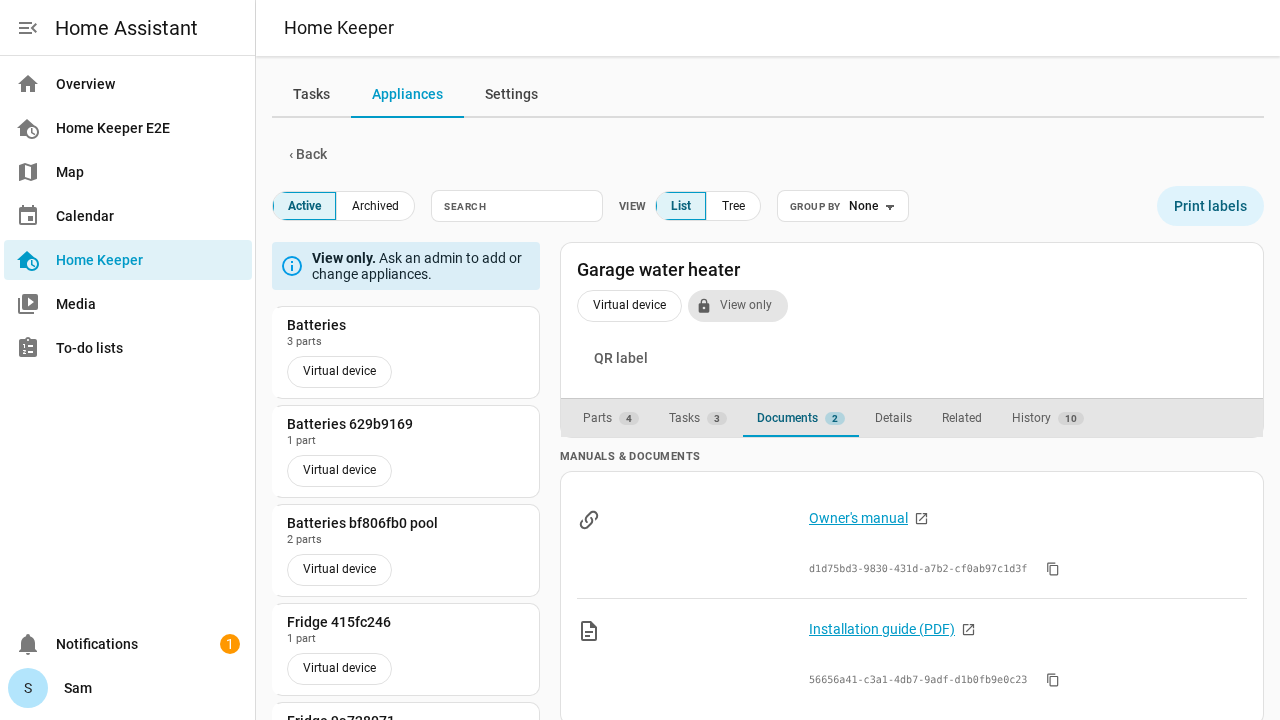
An appliance page shows a View only chip, and has no Edit, Archive or Delete button.
What only an admin can do
- Add, edit, archive and delete appliances, parts and documents.
- Change the stock count of a part in the panel.
- Change the settings, the profiles and the notifications.
- Add and edit companions, and use the tabs of a companion integration.
- Export and import data, and export the appliance report.
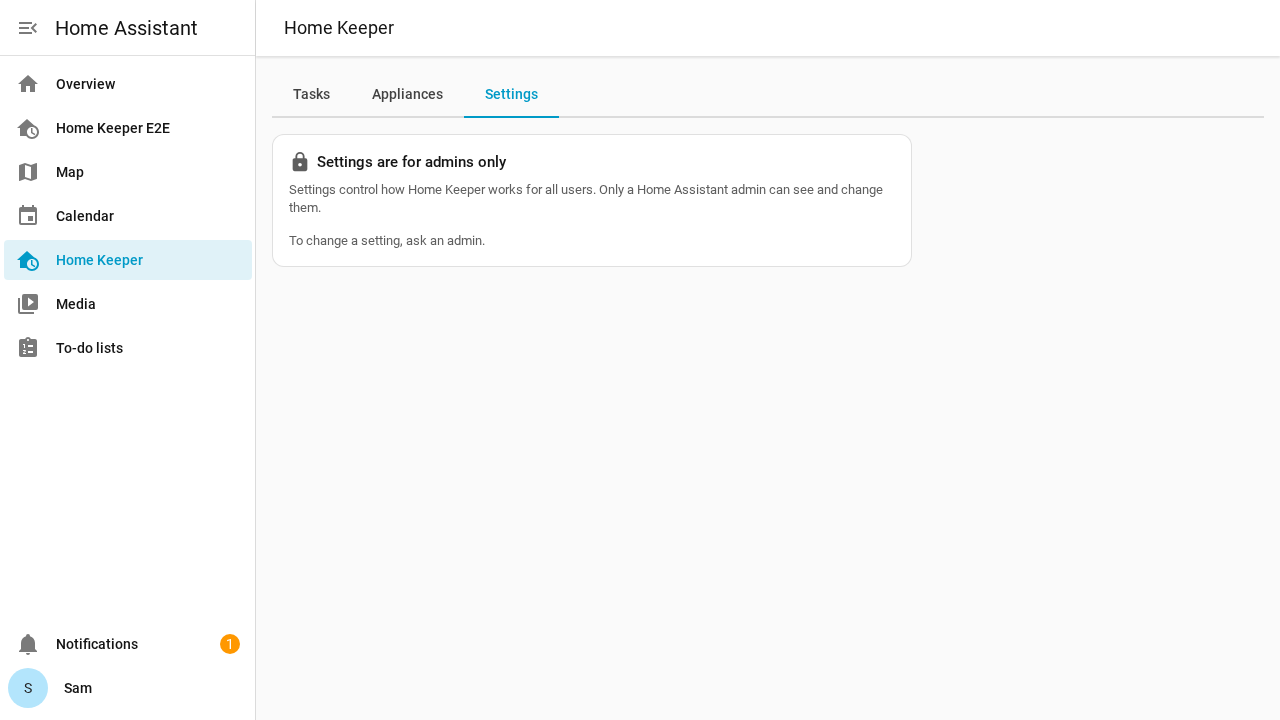
The Settings tab stays in the panel. For a user who is not an admin, it shows only a note that the settings are for admins.
On a phone, the panel shows the same notes.
Privacy
Any signed-in user can read all appliance data. This includes purchase costs, serial numbers and warranty dates.
Some accounts, such as a guest account, must not see this data. Do not give those accounts access to Home Assistant. See the security model for the details.